
MintFlow: VPN & HTTPS Capture
Your traffic. Your routes. Your rules.
Choose how your iPhone and iPad connect: directly, through a VPN, or through a proxy. Configure encrypted DNS with DoH/DoT, split traffic by domain or IP range, and capture and rewrite HTTPS—all without requiring a VPN service.
Free to start, with Pro features available. Bring your own server when using VPN or proxy connections.
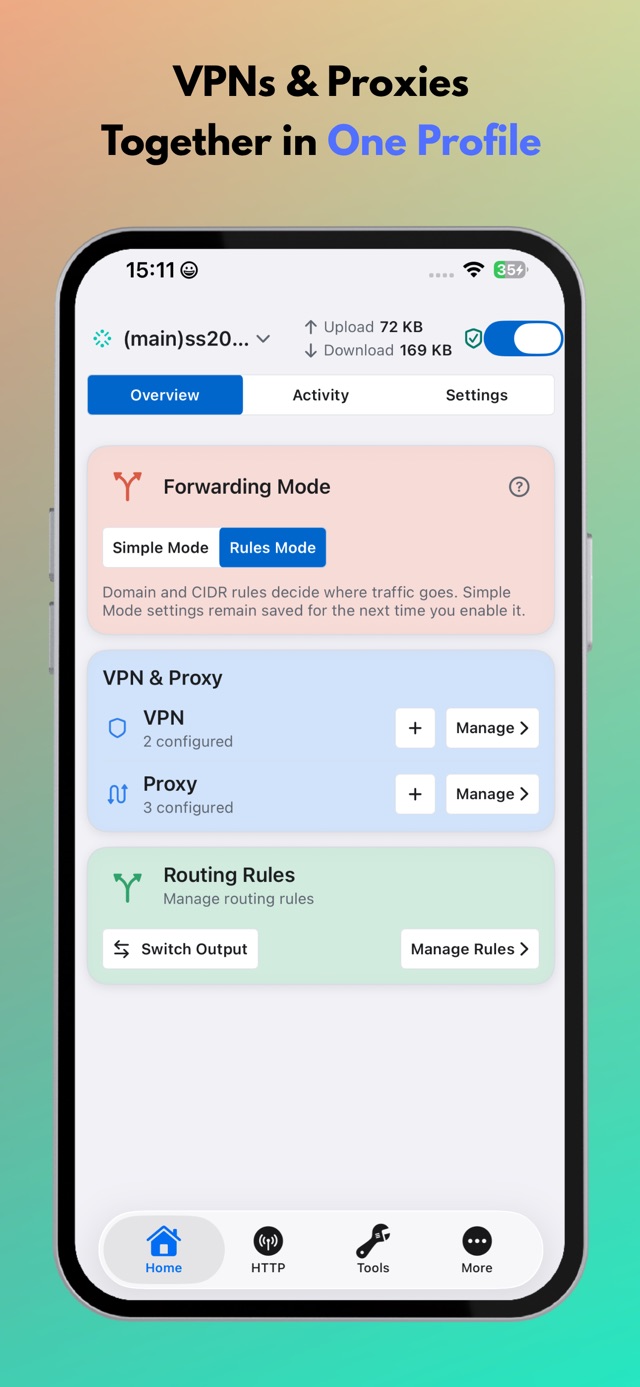
Connect directly or via VPN/proxy
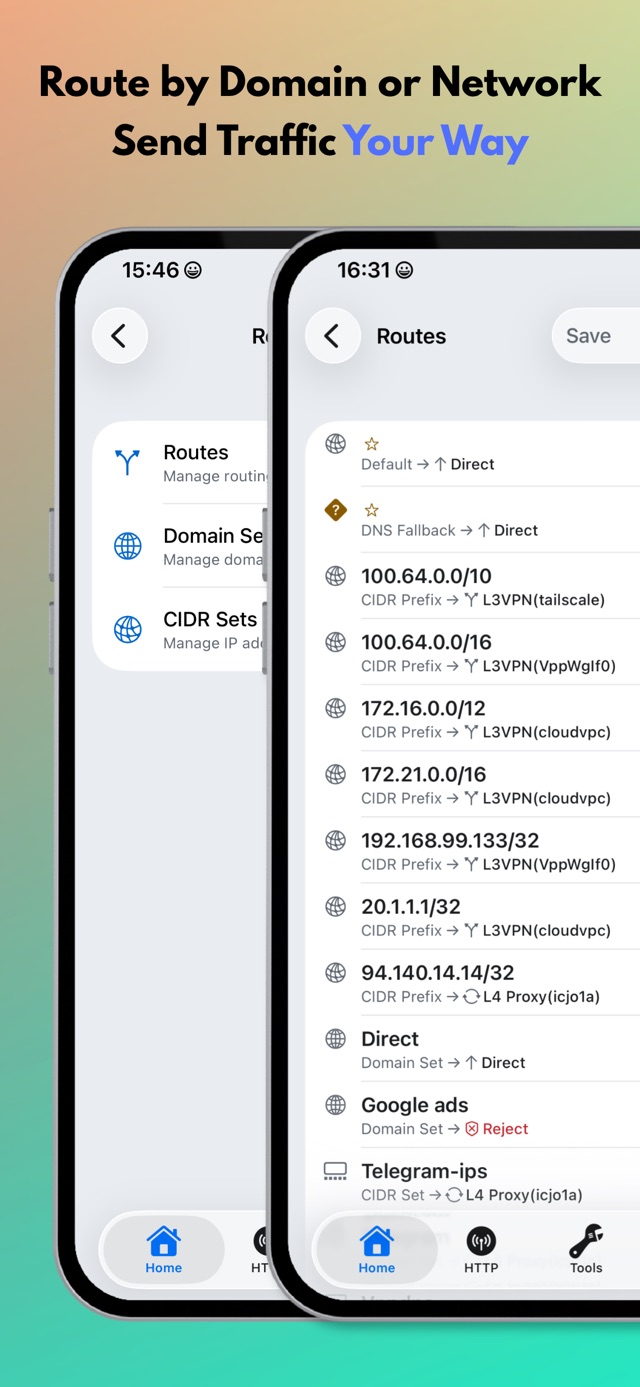
Configure split routing
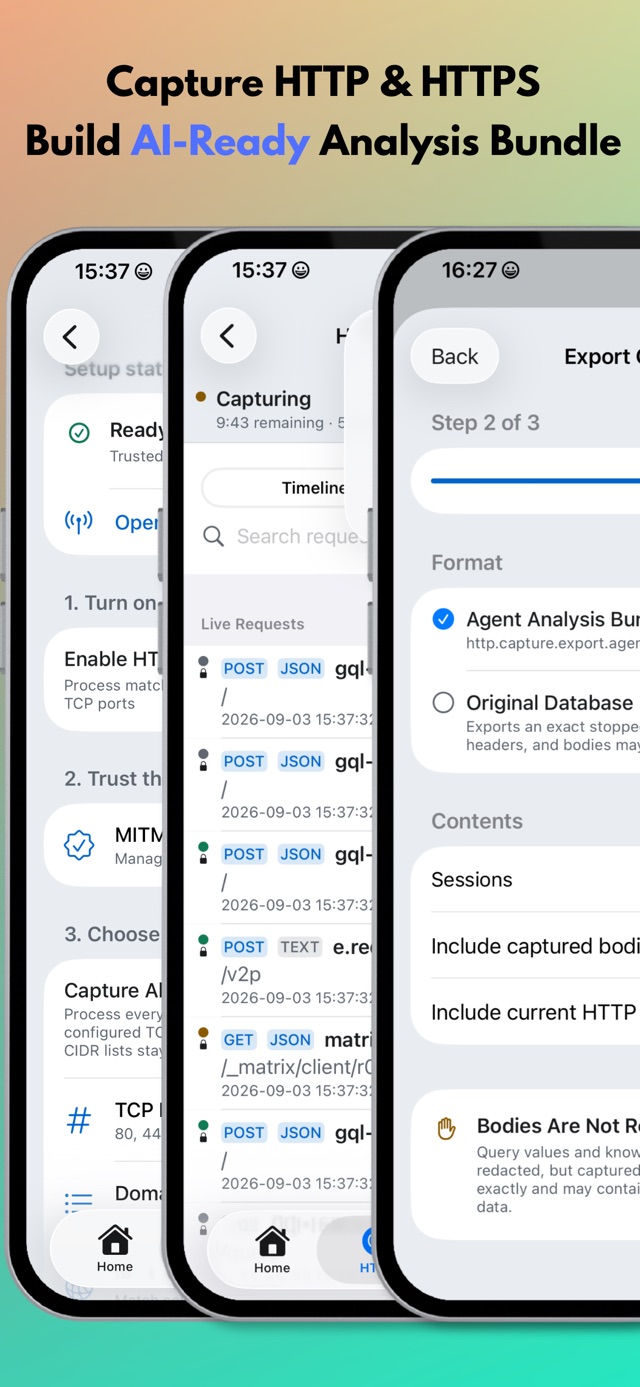
Capture and rewrite HTTPS
Control your network, with or without a VPN service.
Start with your normal Wi-Fi or cellular connection. Use encrypted DNS and HTTPS tools directly, and add VPN or proxy connections when you need them.
Encrypted DNS
Choose DNS over HTTPS (DoH) or DNS over TLS (DoT) for your direct connection. Configure Direct DNS in MintFlow without adding a VPN server.
Routing and split routing
Keep traffic direct, block unwanted destinations, or send selected domains and IP ranges through a VPN or proxy. In Rules Mode, choose what to match and assign an output; keep the default route Direct for other traffic.
HTTPS capture and rewrites
Inspect requests and responses and apply JavaScript or jq rewrites over Direct, VPN, or proxy connections. HTTPS inspection requires a trusted CA; certificate pinning can prevent capture.
Inspect HTTPS. Build reusable rewrites.
A practical workflow for inspecting APIs and building reusable rewrites.
Capture a focused session
Inspect requests, responses, headers, and bodies. HTTPS inspection requires a trusted CA; some apps use certificate pinning.
Set up HTTP captureBring evidence to your agent
Export an analysis bundle, review sensitive data, and work with an agent on a portable MFHRB rewrite bundle.
Explore analysis bundlesReview. Test. Apply.
Use JavaScript or jq to build rewrites. Check the result before enabling rules in your profile.
JavaScript API and examples
MintFlow: VPN & HTTPS Capture is a network control toolkit for iPhone and iPad. Use encrypted DNS, HTTPS capture, and rewrites with your direct connection, or add your own VPNs and proxies and split traffic by domain or IP range.
Key Features
- Plain-text profile management for fast editing and sharing
- Multiple profile management with quick switching
- Multiple VPN and proxy protocol support: WireGuard, AmneziaWG, HTTP, SOCKS, Shadowsocks, and VMess
- Policy routing and split tunneling by CIDR, domain, and domain sets
- Built-in DNS and HTTP engine for MITM-based HTTPS capture and rewrite
- VPPRS Rust packet-processing core, redesigned Home, and Simple Mode
- jq/JavaScript HTTP body rewrites, Agent Analysis Bundle exports, and portable MFHRB imports
- Experimental Tailscale login and exit-node selection with Pro, including eligible active trials
- Activity timeline and Flow Capture, plus Pro PCAPNG export and iPerf3
MintFlow 2.0.0
Read the 2.0.0 release or get started with the HTTP capture guide, analysis/MFHRB workflow, and Tailscale setup.